Free · In your browser · No signup
Free Online
Space Planner
Draw rooms, homes, gardens and outdoor spaces directly in your browser. No signup needed.
What you can plan
From a single room to a whole property, indoors and out.
 01
01Homes & apartments
Full floor plans for studios, apartments and houses.
 02
02Individual rooms
Living rooms, bedrooms, kitchens and bathrooms.
 03
03Gardens & landscapes
Planting beds, paths, trees and seating areas.
 04
04Offices & workspaces
Desks, meeting rooms and collaboration zones.
 05
05Pools & outdoor areas
Patios, decks, pools and backyards to scale.
 06
06Outdoor kitchens
Grills, counters, sinks and dining zones.
Powerful features
More than a floor planner
Electrical plans, 3D walkthroughs, AI import and pro exports - all free, all in your browser.
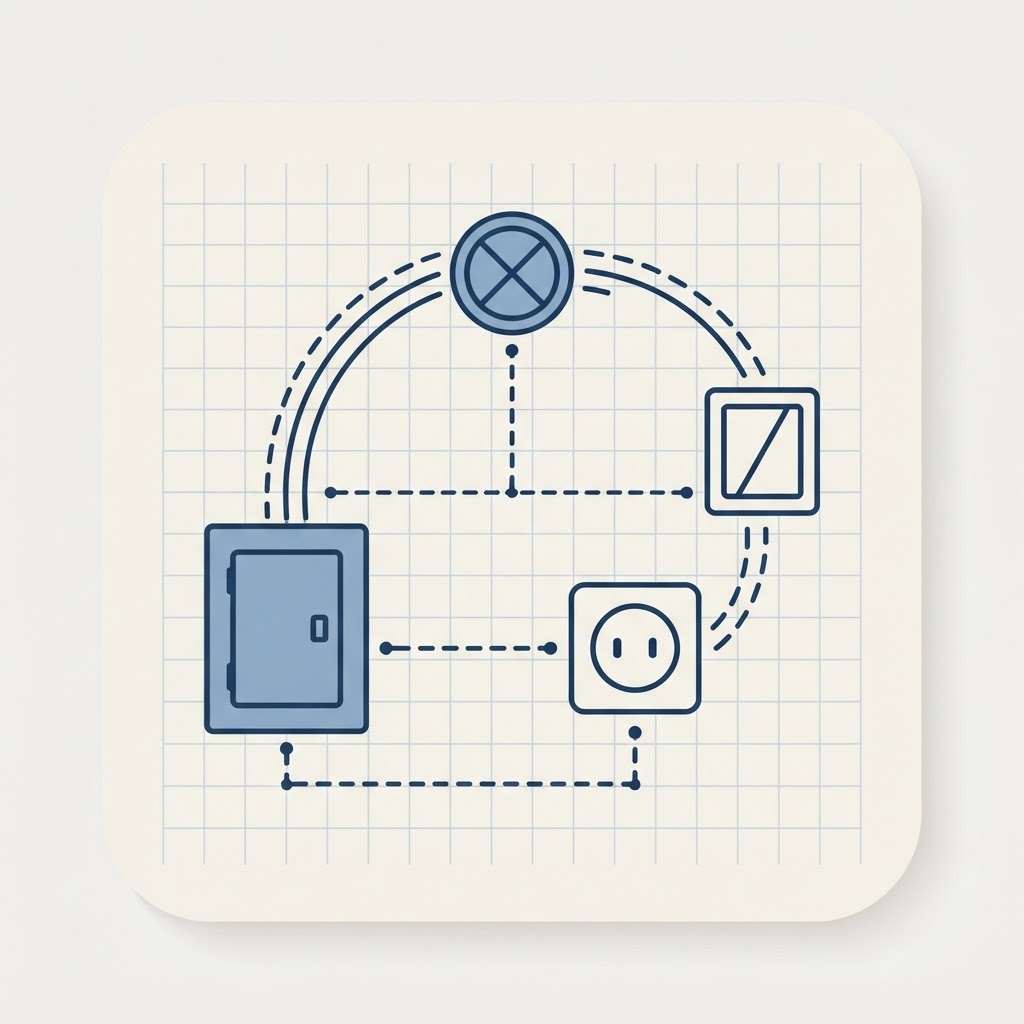 Electrical planning
Design professional electrical plans
Drop switches, outlets, lights and panels, then draw standard home-run wiring between them with clean architectural arcs. Symbols stay legible at every zoom and print with a proper legend.
- Switches, outlets, fixtures & panels
- Auto-snapping wall-mounted devices
- Curved home-run wire connections
- Printed electrical legend on exports
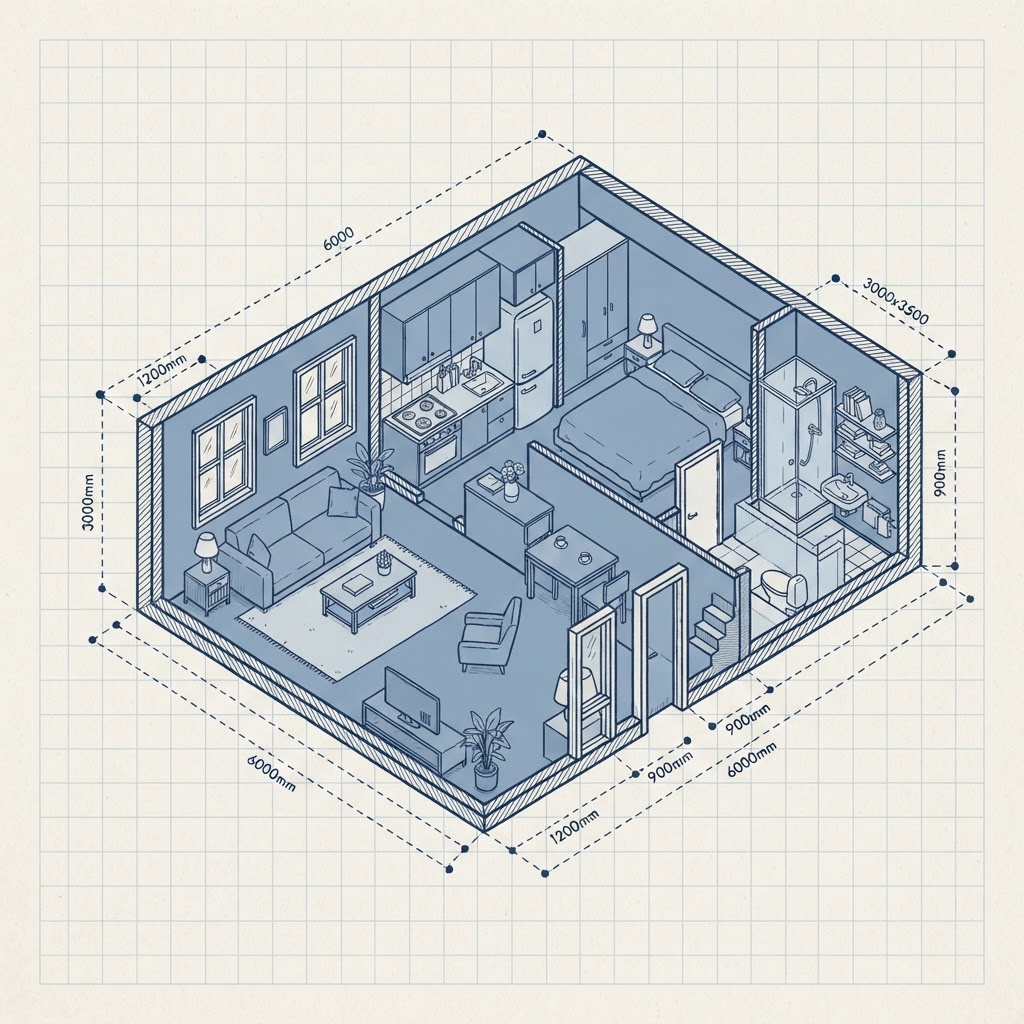
 3D visualization
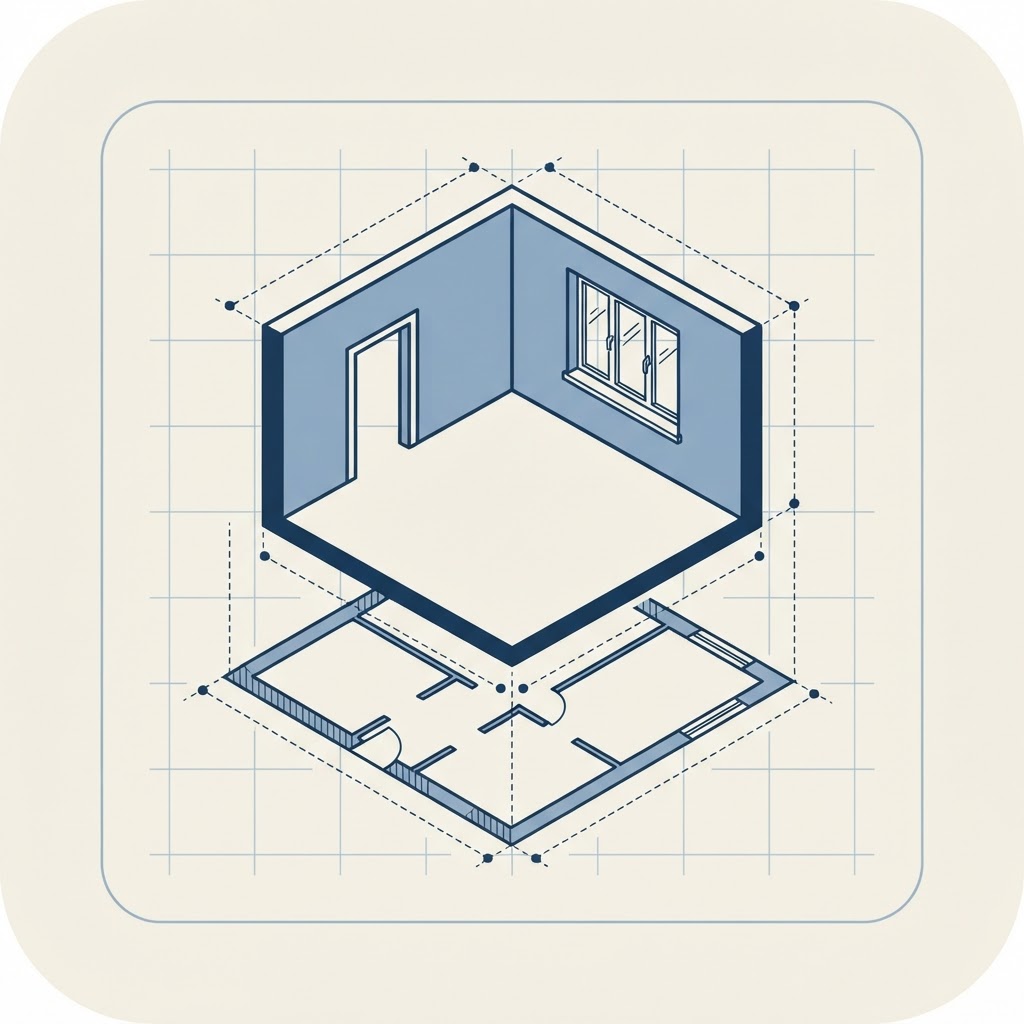
See your plan in 3D instantly
Every wall, door and window you draw in 2D builds a real 3D model. Walk through the space, check heights and materials, and understand how rooms actually feel before you build.
- Real walls, doors & windows in 3D
- First-person walkthrough
- Material & height control
- Multi-level & split-level ready
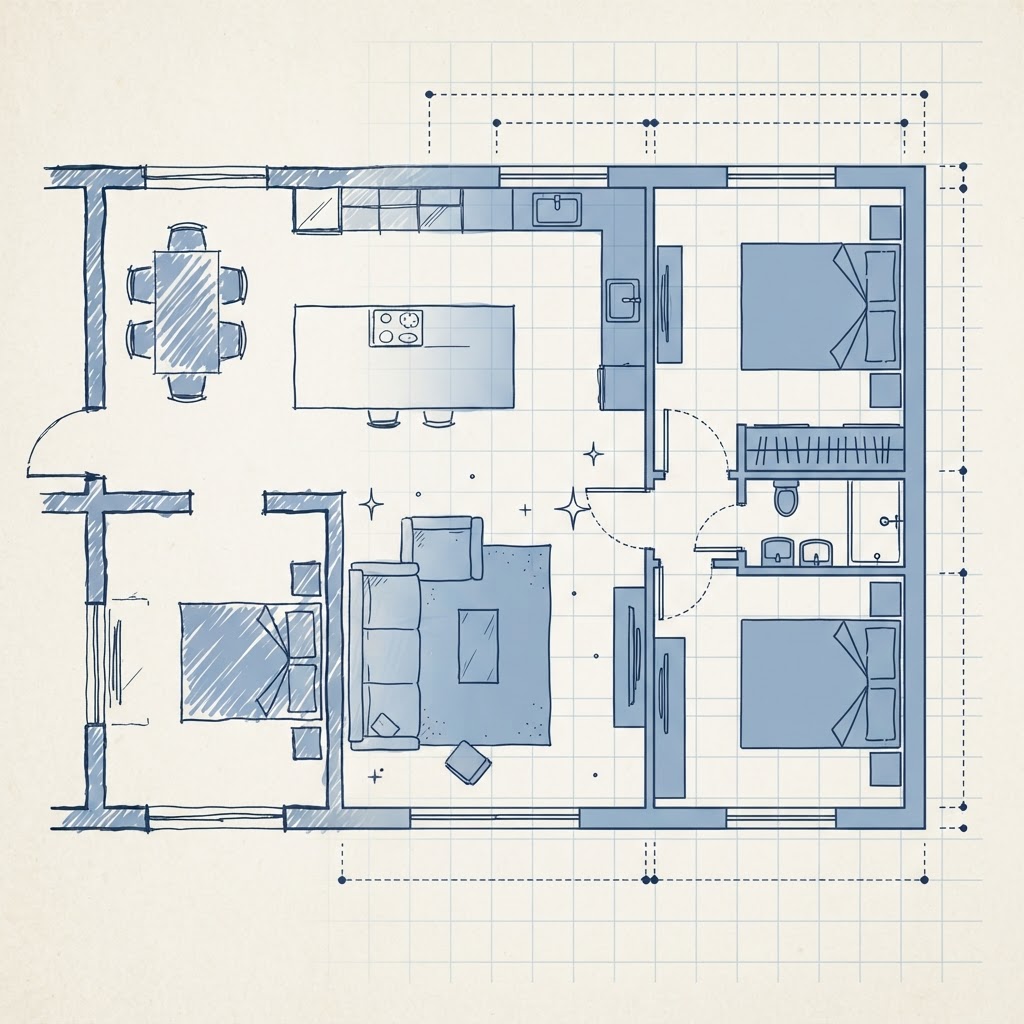
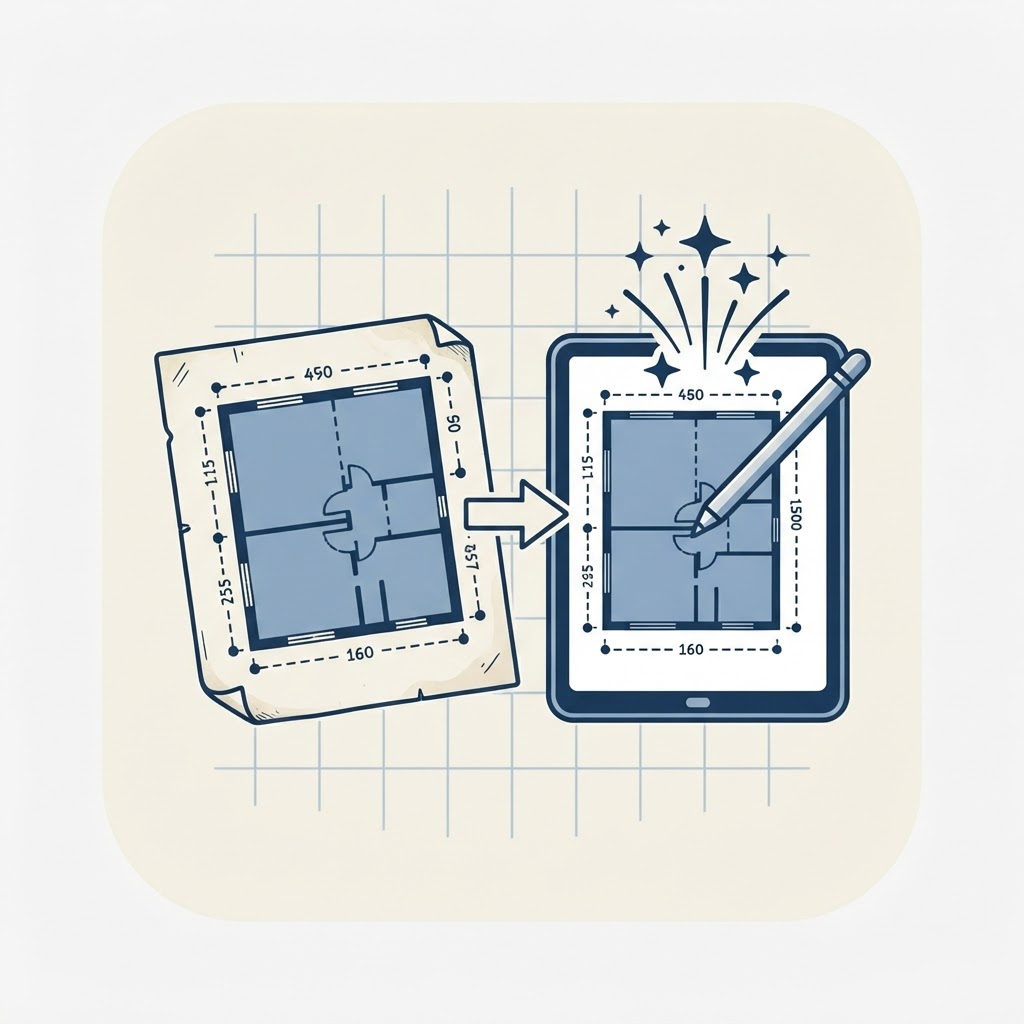 AI import
Turn any floor plan photo into an editable plan
Upload a photo, sketch or PDF of a floor plan and the AI reconstructs it to scale - walls, rooms, doors, windows and furniture - ready for you to refine in the editor.
- Photos, sketches & PDFs
- To-scale wall reconstruction
- Detects rooms, openings & furniture
- Fully editable result
 Exports
Export clean, shareable files
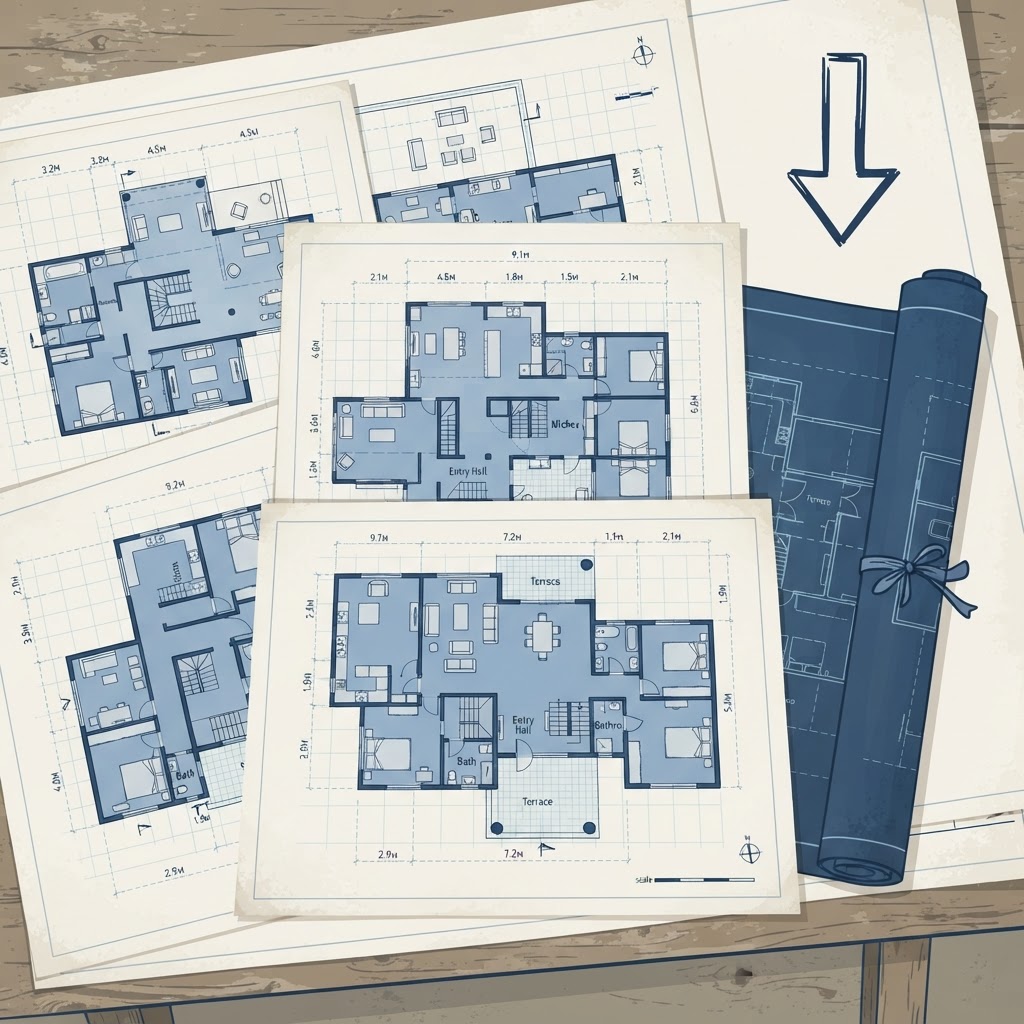
Download your plan as PNG, PDF, SVG or JSON. Toggle exactly which layers appear - dimensions, furniture, doors, room names, electrical - so every export fits its purpose.
- PNG, PDF, SVG & JSON
- Per-layer toggles
- True-vector SVG output
- Print-ready A4 PDF
Multi-level planning
Plan indoor and outdoor levels together
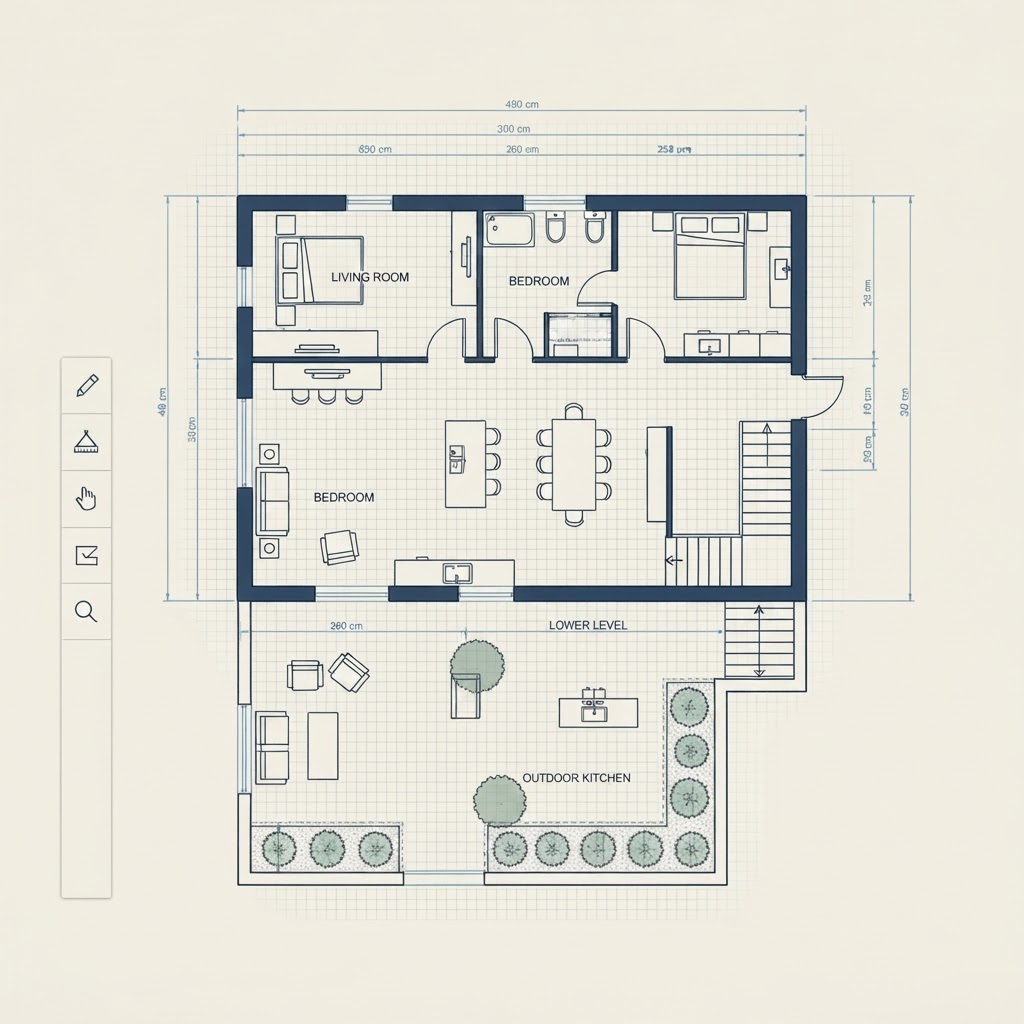
SpacePlanner isn't just for single floors. Connect a house to a lower garden level with stairs, design split-level layouts, and plan how indoor and outdoor spaces flow together.
- Connect indoor floors and outdoor levels with stairs
- Design split-level homes and sloped gardens
- Set elevation and heights for each level
How it works
- 01
Open the editor
Click Start Drawing or pick a template. The editor opens instantly in your browser.
- 02
Draw your space
Place walls, doors, windows and furniture. Label rooms and add dimensions.
- 03
Save & export
Create a free account when you want to save, export an image, or share your plan.
Use cases
- 01
Homeowners
Plan a renovation or a furniture rearrange before lifting a finger.
- 02
Renters
Check what fits in a new apartment and lay out your move.
- 03
Gardeners
Design planting beds, paths and outdoor seating to scale.
- 04
Small businesses
Lay out an office, shop or studio and optimize the flow.
- 05
Designers
Sketch quick concepts and share layouts with clients.
- 06
Students
Plan dorms and shared spaces, or learn floor planning basics.
Based on 37 ratings from people planning real spaces
Found this on Reddit and tried it out. Super easy to use, I would likely pay for it. I appreciated how easy it was to view and add to the layers (they're automatically set by object type), and how easy it was to sign up and start a new plan. Being able to visualize the drawing in 3D is definitely useful.
Found SpacePlanner through a Reddit comment. It's been super useful for planning a shared co-working space, honestly the best tool I found, simple and it just gets the job done. Great designs, and thank you for making it free and easy.
Found your post on Reddit and so far the app is working great. Thanks!
Explore
All the ways to plan
Planners
Outdoor
Tools
Workspaces
FAQ
Frequently asked questions
Start planning your space, free
No signup, no download. Open the editor and start drawing in one click.